
Adding VFX to a Seedance video can mean two different jobs: asking the model to generate an effect inside the shot, or adding an effect to footage you already like. The second approach is useful when the performance works but you want to experiment with sword trails, impact bursts, or a stylized sports highlight without regenerating the underlying action.
Recent creator examples separate those jobs. This article explains the distinction and offers an original editing brief. Seeora has not reproduced these workflows; the brief is an experiment plan, not a tested software tutorial or a promise of automatic tracking.
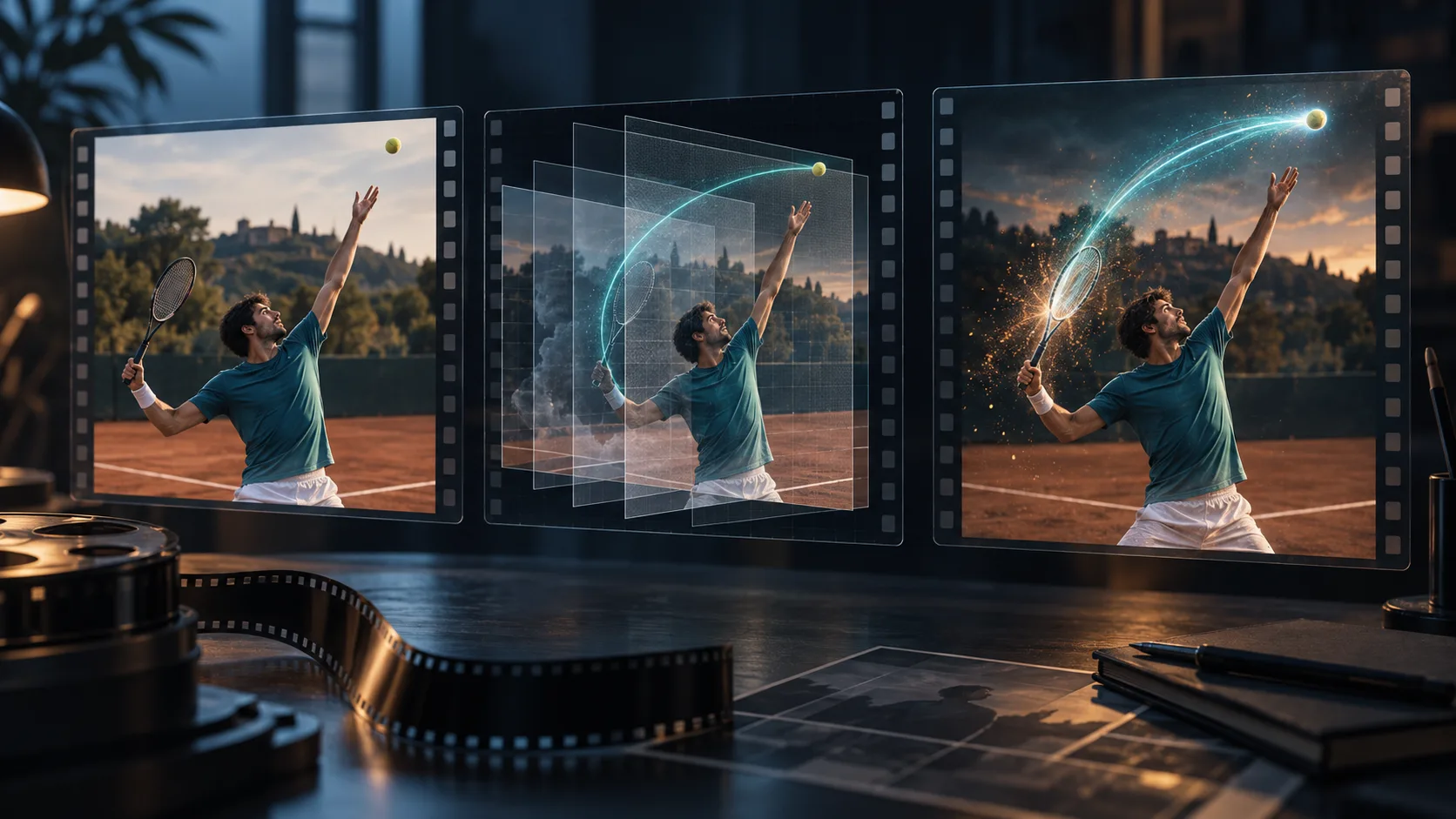
Generated concept illustration, not a screenshot, Seedance output, or measured before-and-after comparison.
What creators actually demonstrated
On October 7, 2026, AiAniAlchemist described adding effects only to a slash and sword in an Opus-and-Seedance project. The post establishes a focused creative goal. It does not publish a complete tracking setup, identify every processing tool, or demonstrate that Seedance itself provides editable effect layers.
In a separate October 7 example, Naonekozamurai supplied an existing tennis video to a coding agent and requested a dramatic game-like treatment, allowing slow motion and a changed duration. The creator identifies the source as Seedance 2.5 footage generated through SousakuAI. That permission to change timing matters: this is a postproduction treatment, not evidence of frame-preserving model editing.
An October 3 experiment by aicreataro used Seedance 2.0 battle footage and sound, with Blender, Python, and After Effects involved in a dot-based transformation. The creator reported that excessive particle explosions made the fighters unreadable. This older example provides a useful constraint rather than a new release announcement.
Decide which part of the shot needs work
Ask whether the problem is in the action or its presentation. If the racket bends, the sword changes shape, or the contact point is implausible, a bright trail will not repair the base footage. Select or revise the underlying shot first. If the action is understandable and only the emphasis is missing, an external effects pass is a reasonable experiment.
| Creative task | Where to start | Review question |
|---|---|---|
| Change a character, prop, or setting | A supported generation or video-editing workflow | Does the revised shot preserve the required identity and action? |
| Add a trail to a successful swing | External tracking and compositing | Does the trail stay attached through the movement? |
| Emphasize one impact | A short effect pass around that event | Can the viewer still see what made contact? |
| Turn footage into dots or silhouettes | A separate stylization pass | Is the original action still legible? |
This differs from 3D previs references, which help direct a shot before generation. Here, the generated clip becomes the starting material for another production stage.
Understand what a local effect requires
An effect that belongs to one object needs a way to follow that object and respect overlaps. A sword trail should move with the blade; when a hand passes in front, the layering should make visual sense. A whole-frame glow does not provide that relationship.
Blender's masking documentation describes masks for isolating footage regions and animating them through shape keys or tracking-marker parenting. Its compositing introduction explains combining and enhancing images. These are editor capabilities, not Seedance features, and do not establish that a coding agent can solve your shot without corrections.
For an initial test, choose a visible object and a brief movement with limited overlap. Fast motion blur, occlusion, and changing object shapes make the attachment harder to judge. Preserve the clean source so you can compare it with each treatment rather than progressively overwriting the only usable clip.
Write a small editing brief
The following original brief targets a tennis serve. It describes the intended result without prescribing unverified commands or claiming a particular agent supports every operation. Give it to an editor, or adapt it to a coding tool with access to your chosen editing environment.
Use the supplied tennis serve as the base footage. Keep the clean source unchanged. First identify the racket swing and the ball-contact moment. Propose one short cyan trail following the racket and one restrained impact accent. Keep the player's face, arm, racket, and ball readable. Show a low-intensity preview before increasing the effect. Preserve the original duration and audio for the first version. If tracking or masking fails during an overlap, mark that interval for review rather than hiding it with a larger burst. Export a separate comparison version and describe which edits were applied.Start with the trail alone. Adding retiming, particles, camera shake, and sound changes at once makes it difficult to identify which choice weakened the shot. Once attachment is acceptable, decide whether a short accent improves the contact moment.
Review motion, timing, and readability
Watch the complete result at normal playback speed, then inspect the effect's entrance, peak, and disappearance. Look for sliding trails, flickering edges, abrupt changes in brightness, and effects that remain after the object stops. Compare the clean clip alongside it: the main action should be easier to understand, not merely brighter.
If you later allow slow motion, review the sound again. Changing the visual timing can separate an impact from its original audio cue. Decide deliberately whether to retime, replace, or preserve the sound rather than assuming the original soundtrack will remain synchronized.
The practical next step is one usable clip and one localized effect. Use the Seedance prompt library to improve the base shot when needed, then evaluate the external treatment separately. A successful experiment should leave you with readable action, an effect tied to a clear event, and enough editing notes to revise the result.