
What is the latest Seedance model?
Seedance 2.5 is the latest model confirmed in ByteDance and BytePlus model information as of September 17, 2026. It is available in the generator on this page.
Build coherent stories up to 30 seconds from a prompt, opening frame, closing frame, or a set of visual references—complete with optional synchronized audio.
Generate synchronized audio with the video
Preview video - Generate your own video above
Made with Seedance 2.5
Six cinematic examples spanning fantasy adventure, romance, storyboard direction, anime action, advertising, and music.
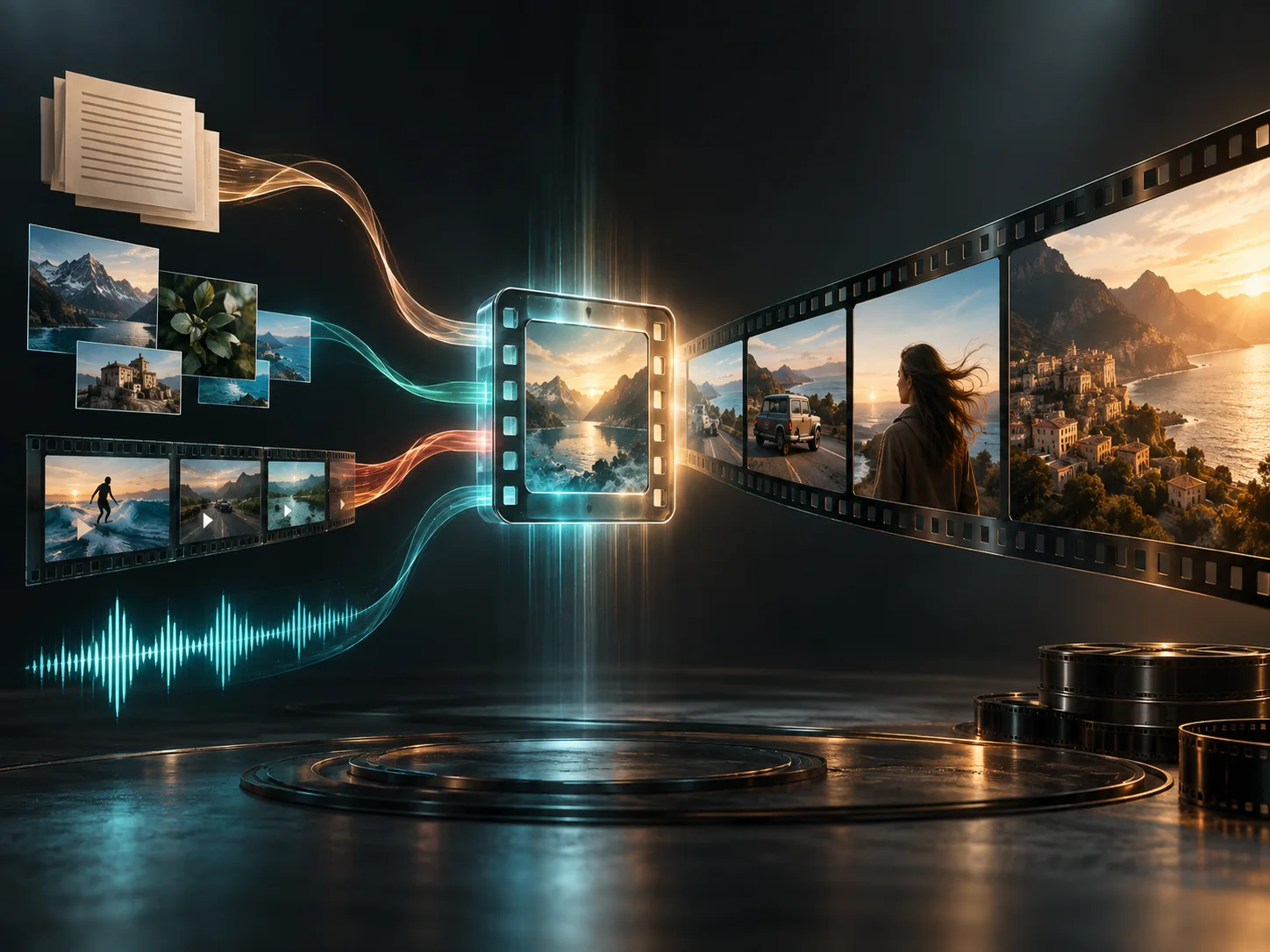
Seedance 2.5 is ByteDance's joint audio-video generation model, released on July 31, 2026. As of September 17, 2026, it is the latest Seedance model confirmed in ByteDance and BytePlus model information. It creates longer multi-shot videos from text and visual references, with stronger continuity and more precise control than Seedance 2.0. On Seeora, it is available for text, frame, and image-reference workflows at 480p or 720p.
The model expands creative control with video and audio references, 30-second generation, and targeted editing. This generator currently exposes text, frame, and image-reference workflows.
Seedance 2.5 can use up to 30 images, 10 video clips, and 10 audio clips in one generation. Video references can guide motion, camera language, composition, and visual effects, while audio references can shape rhythm and sound. The model can also generate video from an audio reference alone.
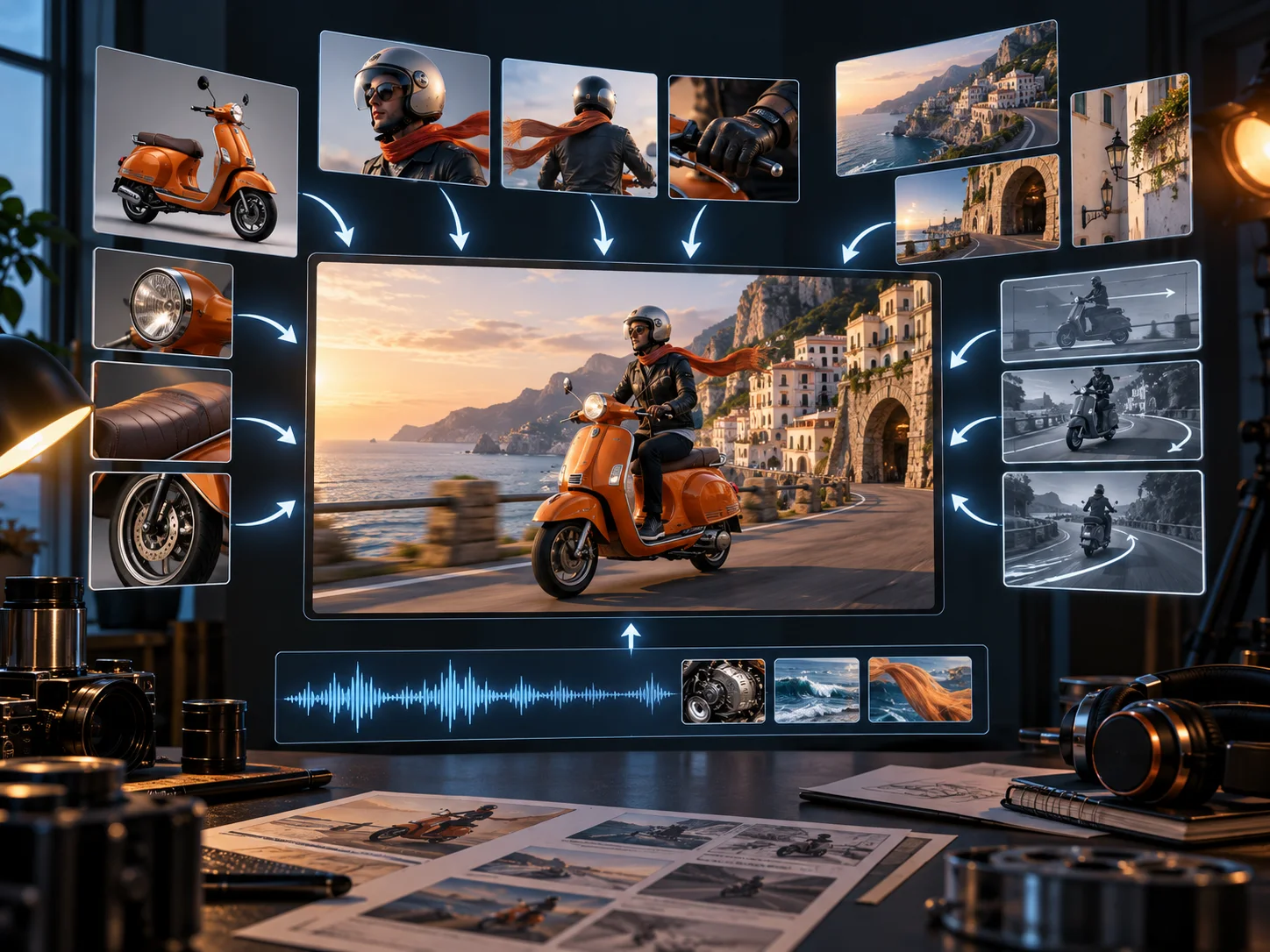
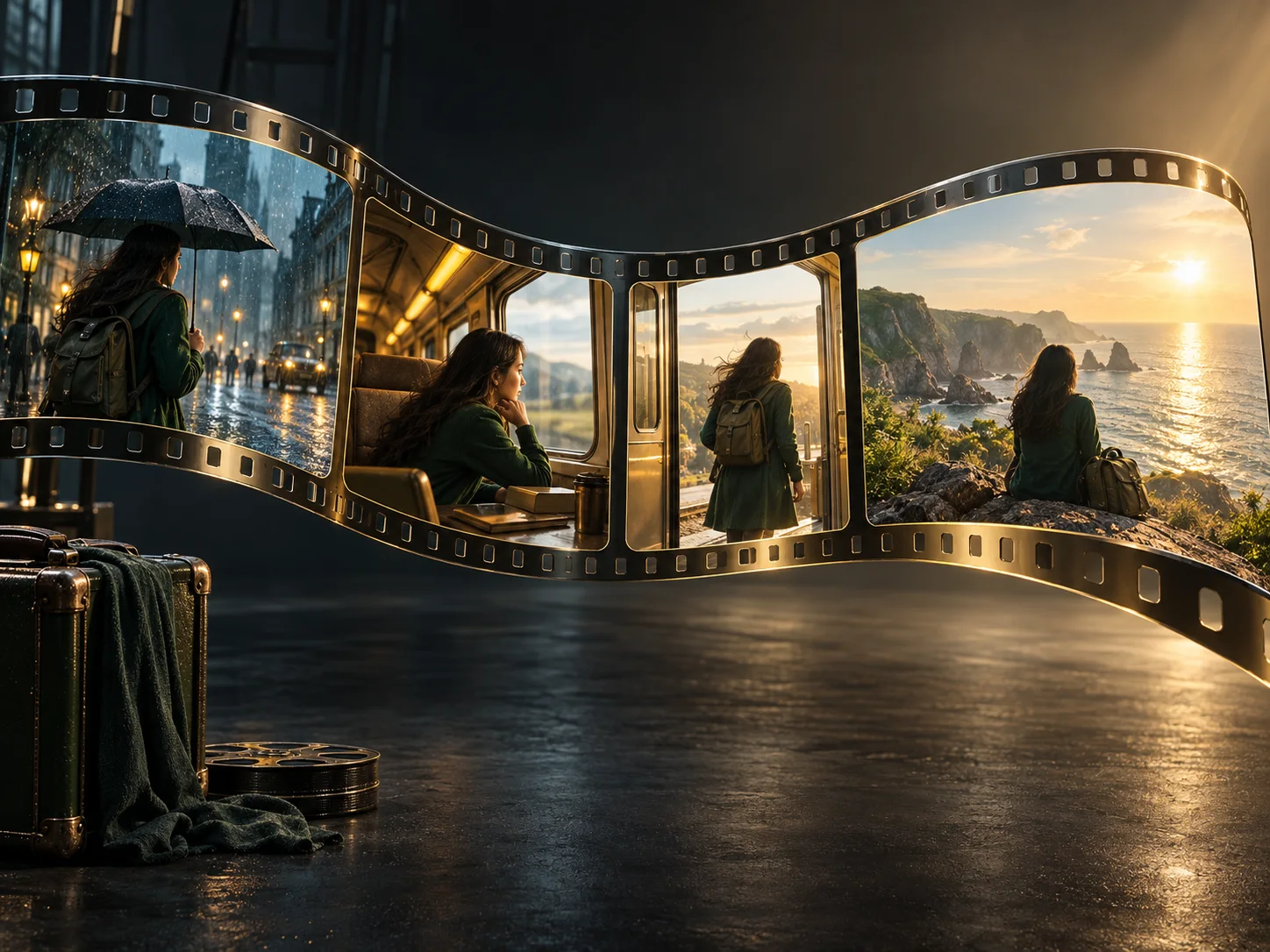
Build a beginning, development, turn, and finish into one generation. Seedance 2.5 improves continuity across scene changes and shot transitions, helping characters, visual style, and audio stay connected throughout a longer sequence.
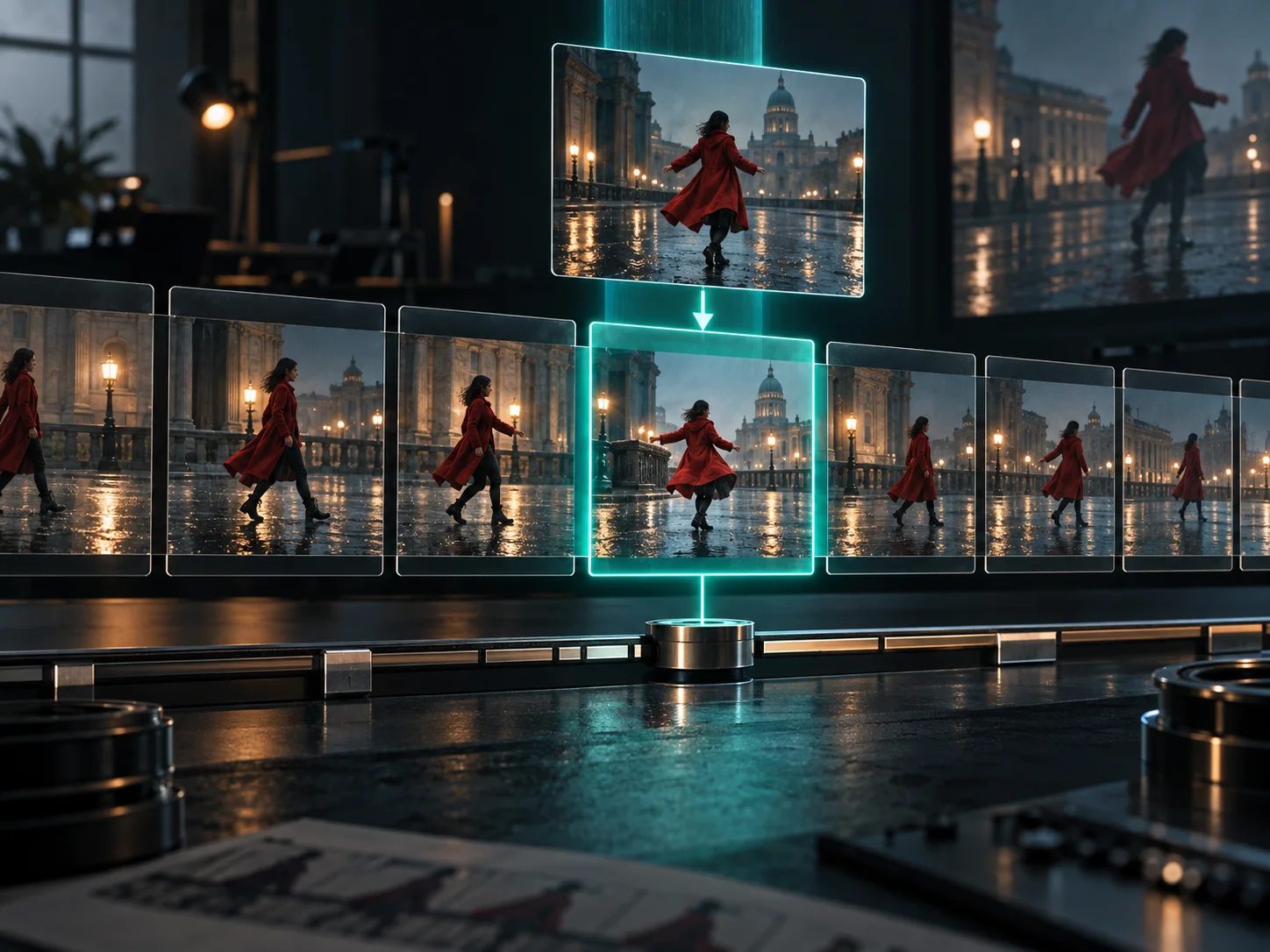
Seedance 2.5 supports timestamp-level changes to audio and video in its broader model workflow. Creators can target a specific moment, character, camera perspective, or green-screen element while preserving the surrounding sequence.
Start with the amount of direction your idea needs, then tune only the settings that affect the finished video.
Select text to video, first and last frames, or reference images depending on whether you need freedom, a fixed transition, or consistent visual ingredients.
Describe the subject, setting, action, camera, sound, and story beats. When you upload references, identify each one by name in the prompt.
Choose 4–30 seconds, a supported aspect ratio, 480p or 720p output, and whether the model should generate synchronized audio.
Review the result, adjust the prompt or references when needed, then download the version that best carries the story.
Use the longer runtime and reference controls where continuity matters more than a quick visual trick.
Stage a compact beginning, turn, and ending with recurring characters and connected locations in one 30-second sequence.
Combine product angles, brand environments, and motion direction to turn a campaign board into a polished video concept.
Plan entrances, close-ups, crowd reactions, and camera moves while generating the atmosphere and sound with the picture.
Use reference views to carry the same original character, wardrobe, and visual identity across different scenes.
Turn a historical event, process, or abstract lesson into a paced visual explanation with a clear narrative arc.
Explore blocking, camera perspective, lighting, and transitions before committing a film or advertising idea to production.
Straight answers about access, inputs, duration, output, cost, and the controls available on Seedance 2.5.
Seedance 2.5 is the latest model confirmed in ByteDance and BytePlus model information as of September 17, 2026. It is available in the generator on this page.
You can start from a text prompt, a first frame with an optional last frame, or up to 30 reference images. ByteDance's broader model supports video and audio references too, but those input types are not currently exposed in this generator.
A single generation can be 4 to 30 seconds on Seedance 2.5. ByteDance also describes multi-round extension as part of the model's broader workflow.
This generator currently offers 480p and 720p output with auto, 16:9, 9:16, 1:1, 4:3, 3:4, and 21:9 choices where the selected mode allows them.
Not on Seedance 2.5 at this time. The generator currently supports 480p and 720p output, so searches for Seedance 2.5 4K should not be read as a 4K availability claim.
Yes. You can turn synchronized audio generation on or off before submitting, depending on whether your scene needs dialogue, ambience, effects, or music.
The credit cost changes with duration, resolution, and aspect ratio. The generator calculates and shows the current total before you submit.
Seedance 2.5 extends single-pass generation from 15 to 30 seconds and strengthens long-form continuity, multimodal referencing, and targeted editing controls.
Start with a prompt or visual references and shape a connected video up to 30 seconds long.