Seedream 5.0 Pro AI Image Generator

Turn detailed briefs and reference images into production-ready visuals with stronger layout reasoning, precise editing, realistic texture, and multilingual text rendering.

Text to image and image editingUp to 10 reference images1K and 2K output
286 / 4000
Example 1
Example 2
Example 3

Example results — your generated image will appear here

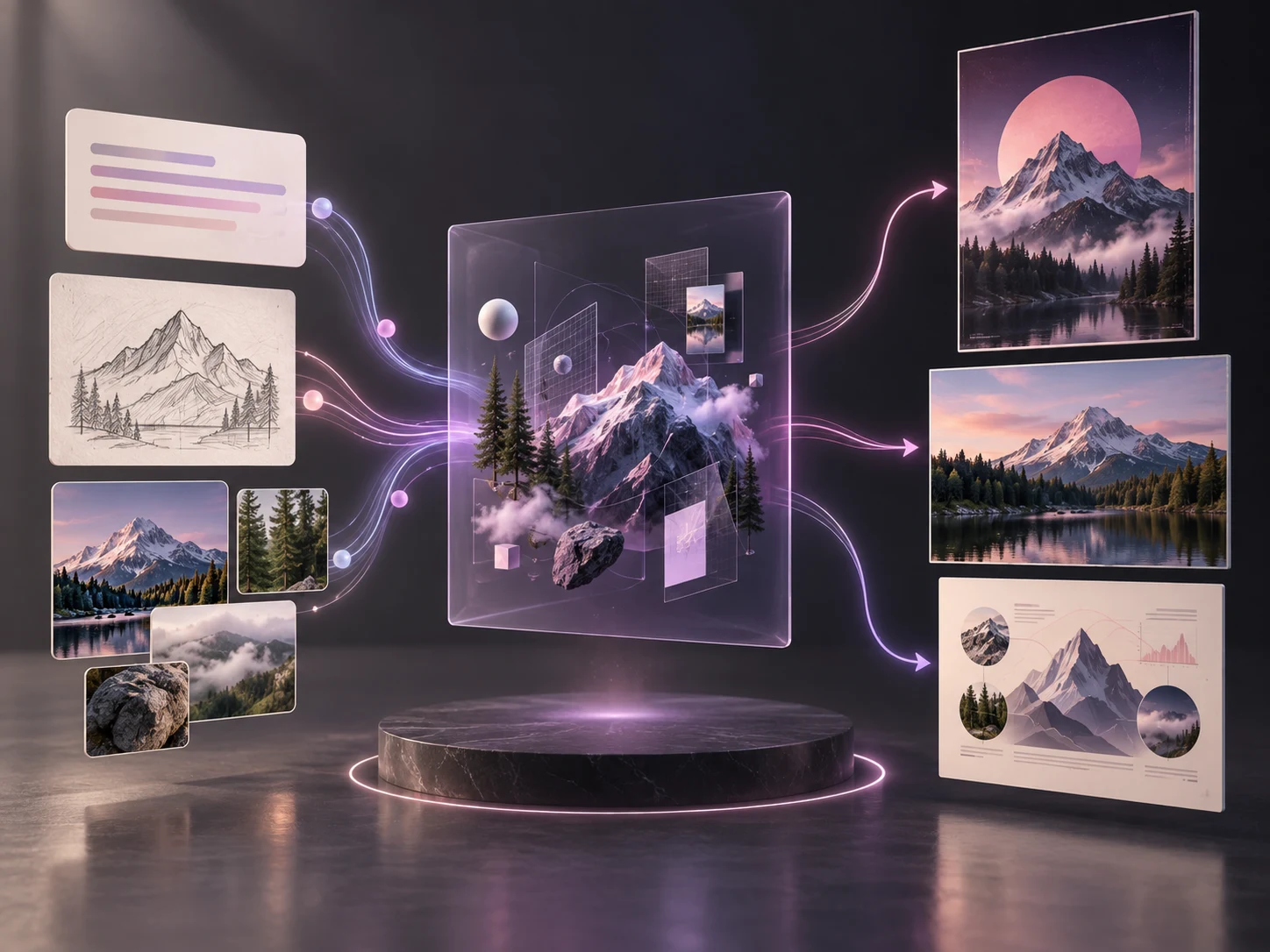
Concept illustration of prompts, sketches, and references flowing through an image creation workflow

What Is Seedream 5.0 Pro?

Seedream 5.0 Pro is ByteDance Seed's multimodal image generation and editing model for professional visual production. It accepts text or reference images, reasons about layout and spatial relationships, and creates images up to 2K. The model is available in Seeora for both text-to-image creation and reference-led editing.

  • Designed for Usable Visuals
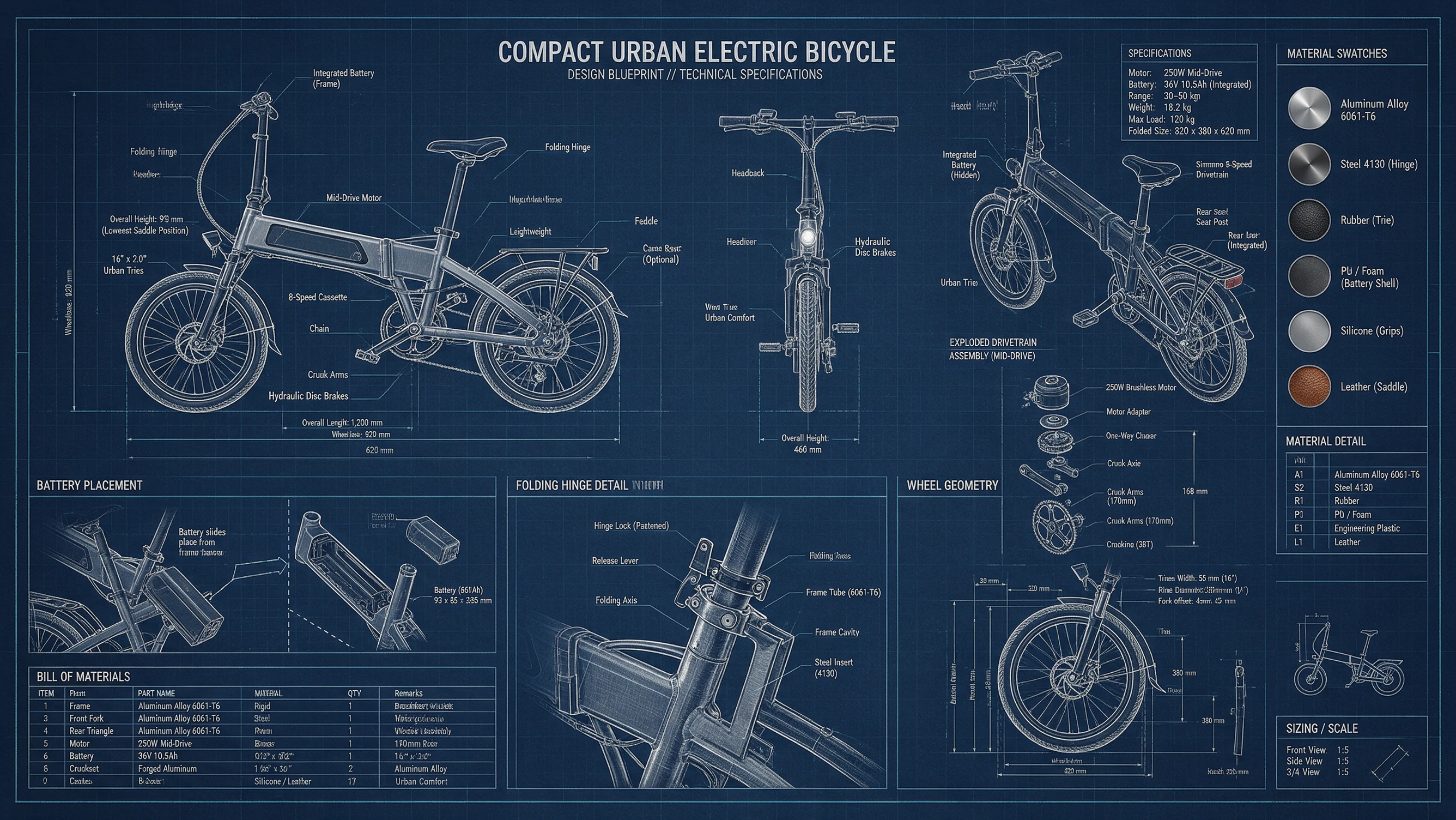
    Move beyond isolated artwork to structured posters, infographics, campaign images, technical layouts, and other production-oriented results.
  • Text and Reference Inputs
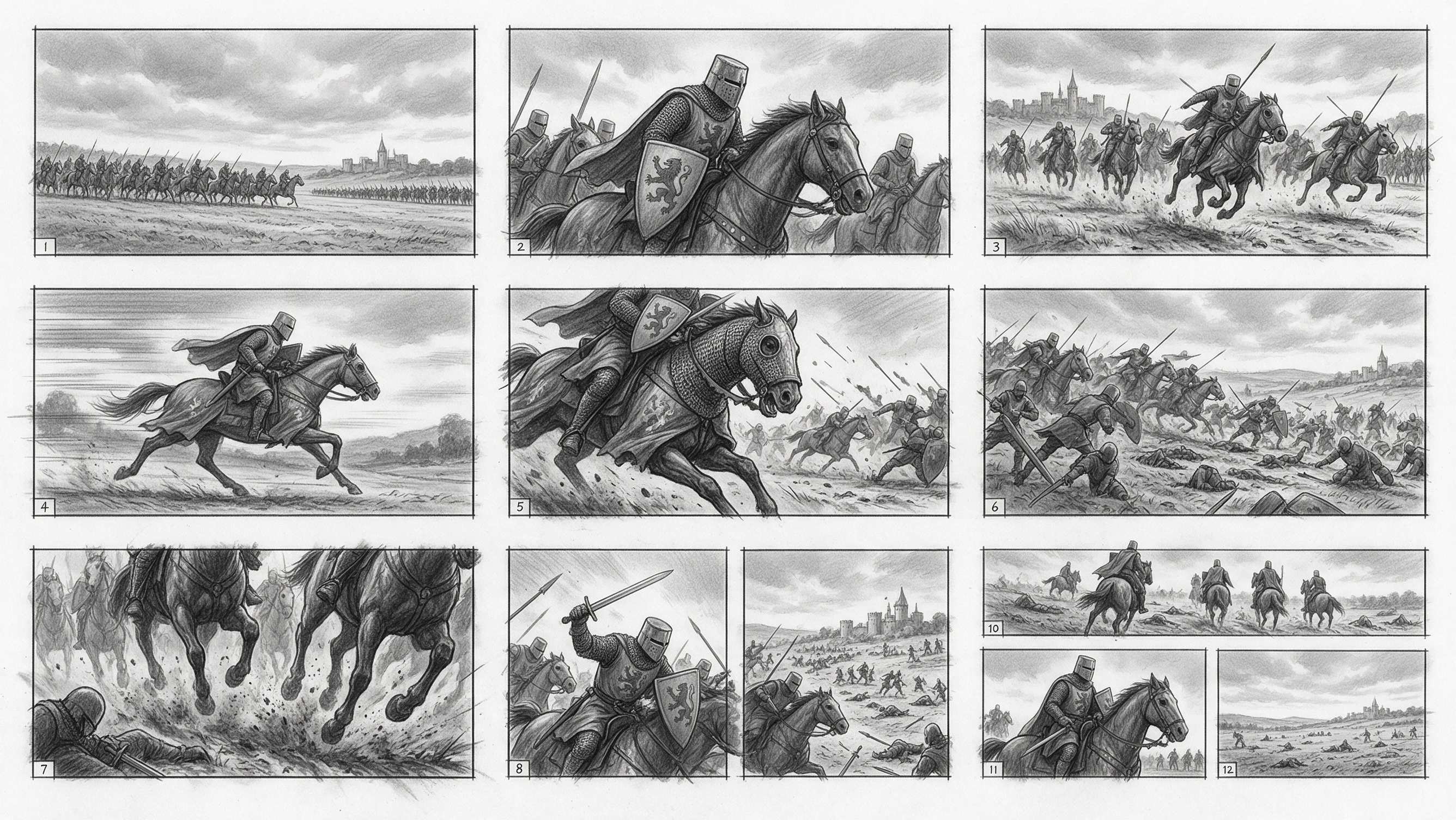
    Start from a written brief or upload as many as 10 images to guide subject identity, composition, material, and editing intent.
  • Reasoning Before Rendering
    The model interprets relationships between objects, regions, text, and layout before resolving the final image.

Seedream 5.0 Pro Turns Complex Briefs Into Usable Designs

Four capabilities make the model especially useful when an image must communicate clearly, survive revision, and fit a real creative workflow.

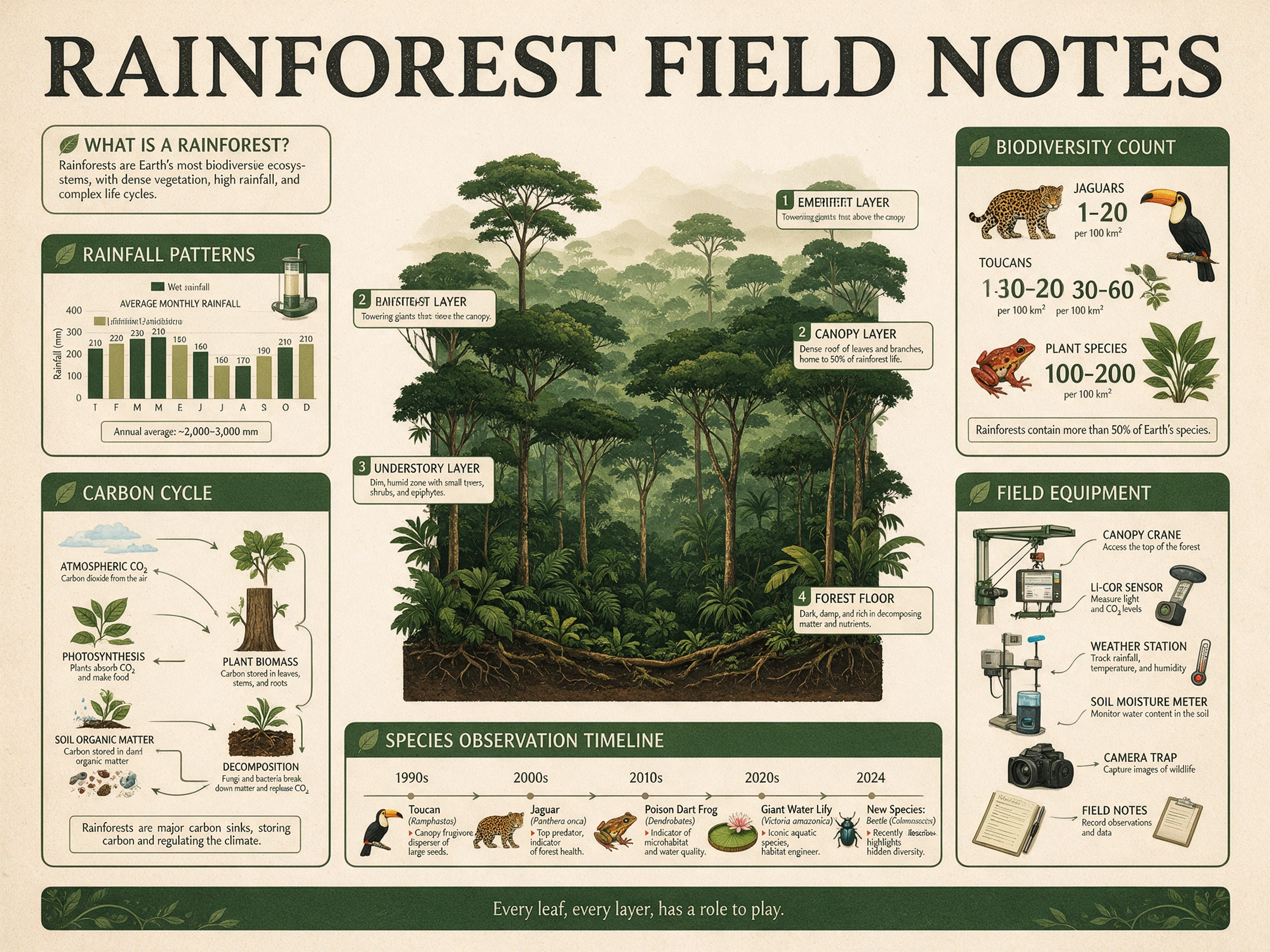
Organize Dense Information in One Frame

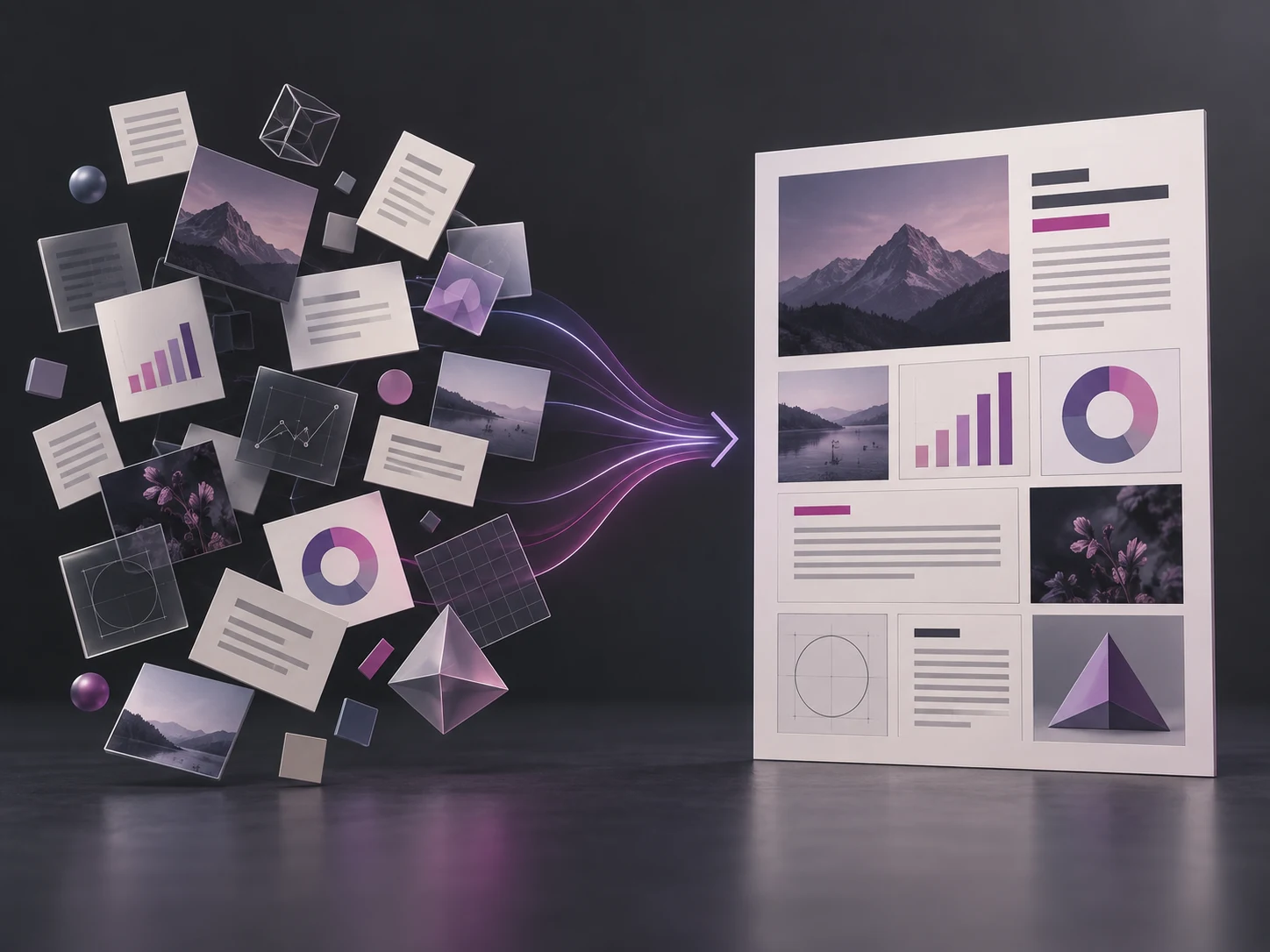
Provide the facts, visual hierarchy, required modules, and intended audience. Seedream 5.0 Pro can arrange charts, diagrams, imagery, and copy into a coherent visual for education, presentations, reports, or campaign explainers.

  • Describe the information hierarchy as well as the visual style
  • Combine charts, callouts, imagery, and narrative flow
  • Use 2K output when small visual details need more room
Concept illustration of scattered information modules assembling into a structured editorial page

Change a Region While Preserving the Rest

Upload an existing image and identify the object, area, color, or material that should change. Spatial understanding helps keep successful composition, lighting, and surrounding details intact while the selected region is revised.

  • Name the exact element and the requested replacement
  • State which subjects, lighting, and framing must remain unchanged
  • Use multiple references when identity and style come from different sources
Concept illustration of one selected cushion receiving a controlled material edit

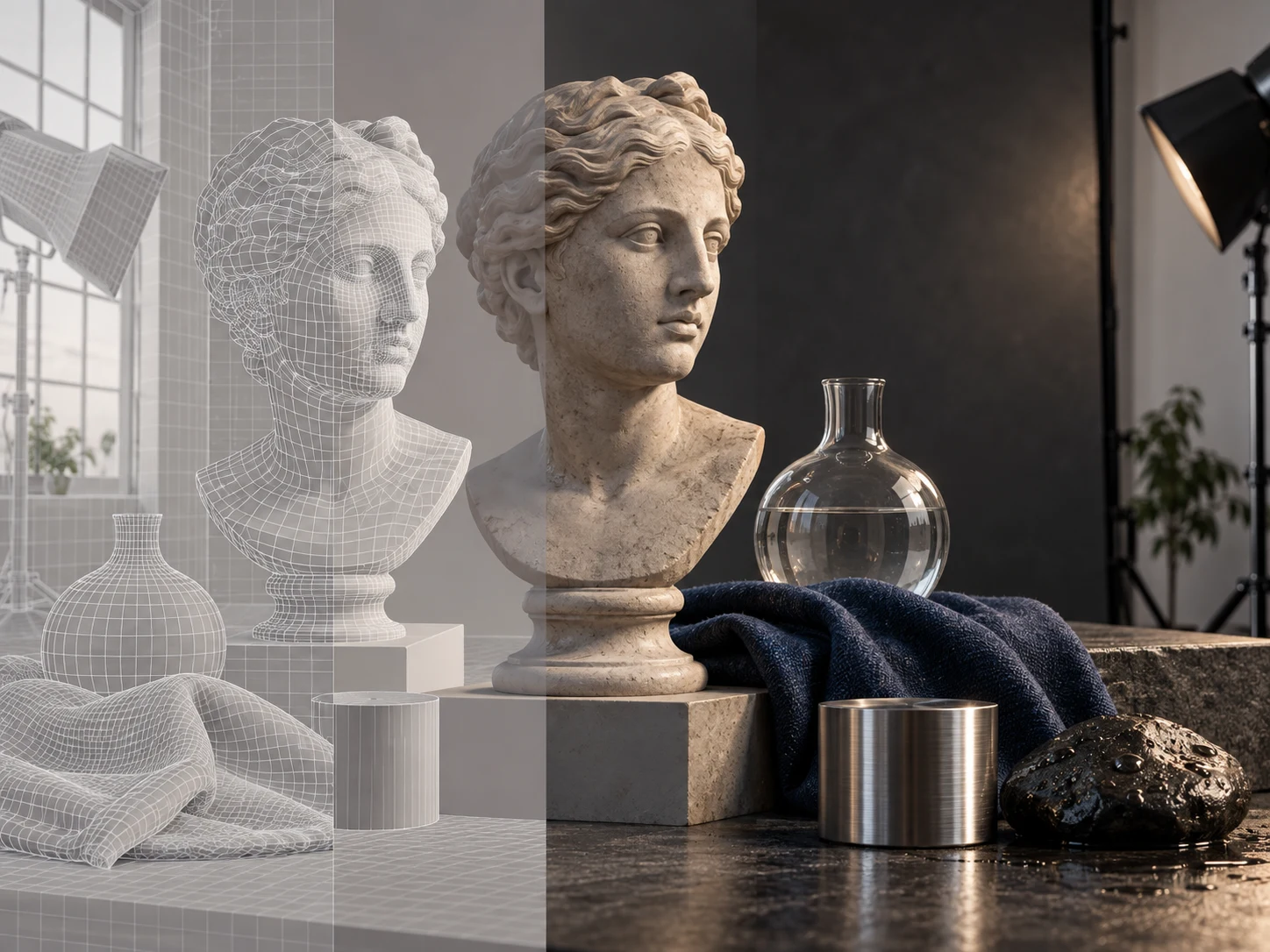
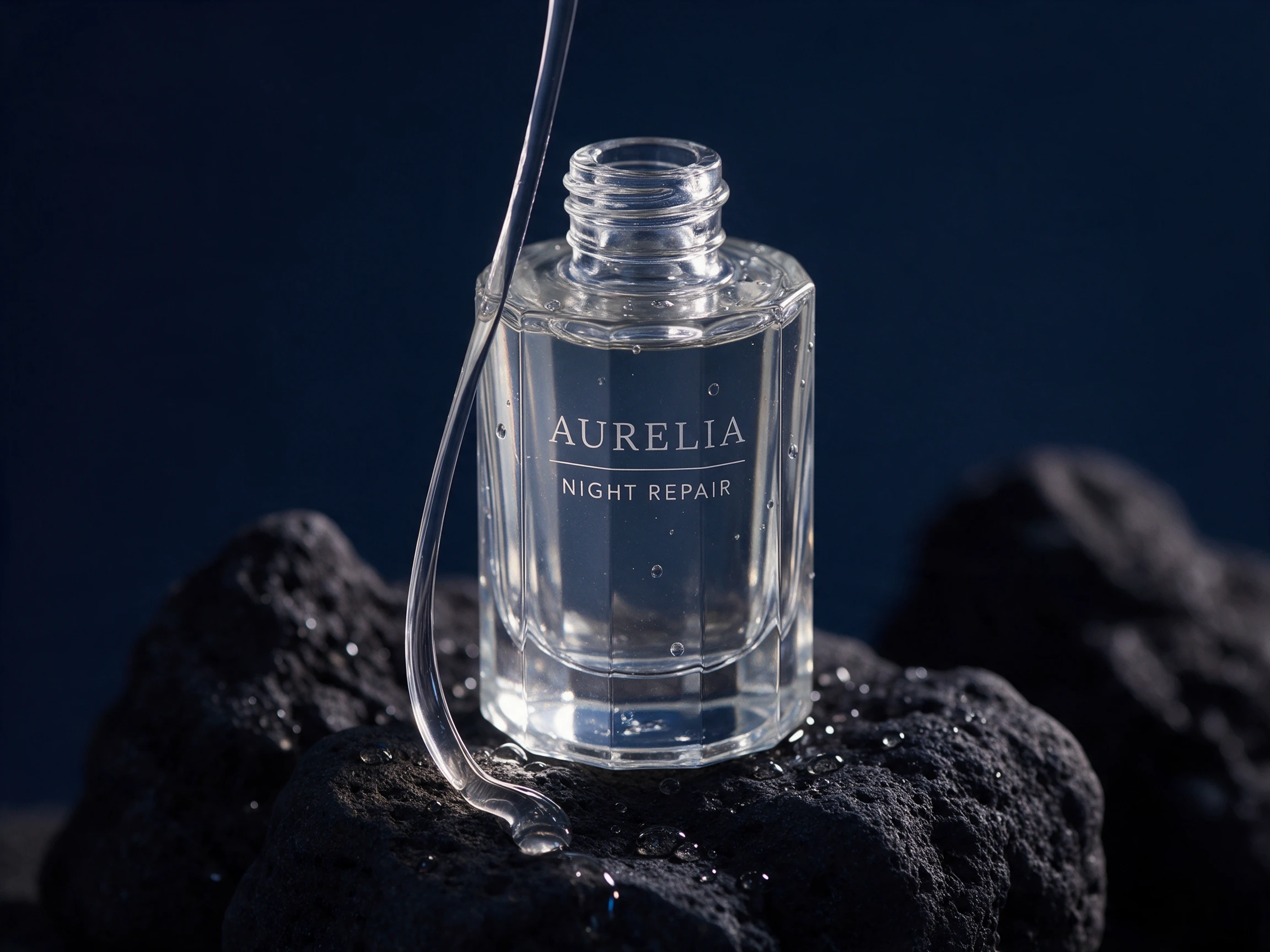
Render Light, Skin, Fabric, Glass, and Metal Naturally

Specify the capture style, material behavior, and lighting rather than relying on a generic realism keyword. The model can resolve pores, fibers, reflections, surface wear, and photographic motion for portraits and commercial imagery.

  • Describe real surface texture and imperfections
  • Choose a believable camera position and lighting setup
  • Keep skin tones and product materials grounded in natural color
Concept illustration comparing wireframe objects with detailed photographic materials

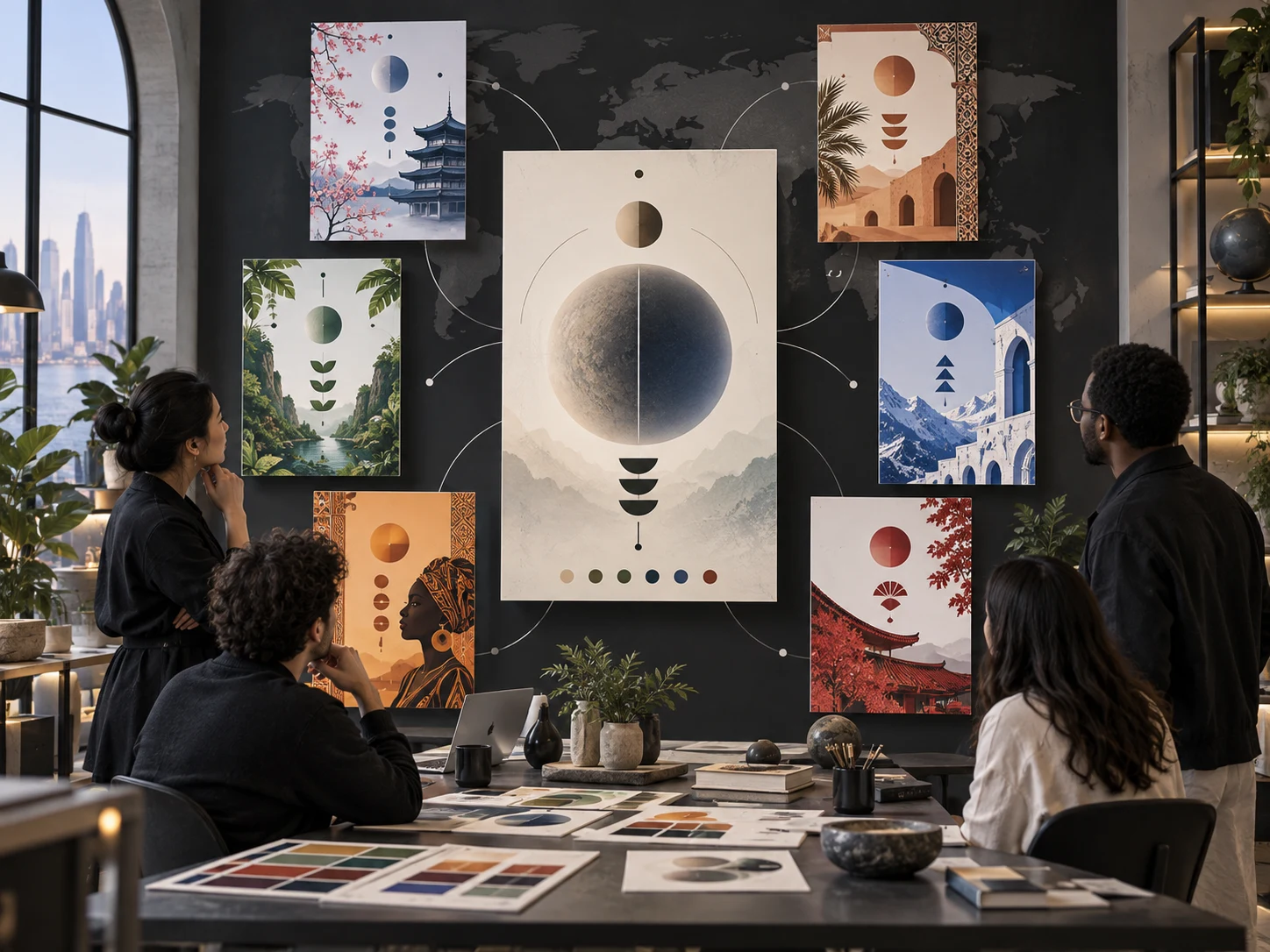
Adapt Visual Communication Across Languages

Write prompts and in-image copy for different markets while defining reading direction, hierarchy, and local visual context. This is useful for global posters, localized campaigns, menus, educational pieces, and social graphics.

  • Quote required copy and ask for it exactly once
  • Define reading direction and typographic hierarchy
  • Review critical legal or product text before publishing
Concept illustration of one design system adapting into regional poster variations

Create and Edit Images With Seedream 5.0 Pro

Use the same generator for a new visual or a reference-led revision, then choose the size and format that fit the final channel.

01

Choose a Creation Mode

Select Text to Image for a new composition or Image to Image when you want to transform or edit existing material.

02

Write the Visual Brief

Describe the subject, layout, style, lighting, exact text, and anything the model must preserve or avoid.

03

Add References and Settings

Upload up to 10 reference images, then choose an aspect ratio, 1K or 2K resolution, and PNG or JPEG output.

04

Generate and Refine

Inspect composition, text, identity, and materials, then make one focused instruction change before generating again.

Where Seedream 5.0 Pro Fits Professional Workflows

Use the model where clear layout, controllable revision, material quality, or consistent references matter more than a one-off image.

Infographics and Education

Turn a structured outline into visual explainers, learning posters, process diagrams, and data-rich editorial pages.

Campaign Posters

Combine headline hierarchy, product imagery, promotional information, and art direction in one campaign-ready composition.

E-commerce Visuals

Create product hero shots, feature callouts, launch graphics, and localized catalog imagery with controlled materials and framing.

Focused Image Edits

Replace an object, recolor a region, update a material, or complete a sketch without deliberately rebuilding the full scene.

Multi-reference Composites

Combine identity, clothing, object, pose, and environment references into one cohesive image with matched light and perspective.

Localized Creative

Develop posters, menus, social assets, and educational visuals for different languages and regional design contexts.

Seedream 5.0 Pro Questions Before You Generate

Practical answers about access, image editing, references, output controls, credits, and where this model is most useful.

1

What is Seedream 5.0 Pro?

Seedream 5.0 Pro is ByteDance Seed's multimodal model for image generation and editing. It focuses on structured visual communication, spatially precise changes, realistic materials, and multilingual image text.

2

Can I use Seedream 5.0 Pro online on Seeora?

Yes. Select Seedream 5.0 Pro in the generator on this page, enter a prompt, choose your settings, and generate without leaving the page.

3

Can Seedream 5.0 Pro edit an existing image?

Yes. Switch to Image to Image, upload one or more source images, and describe the precise change. State what must remain unchanged for more controlled revisions.

4

How many reference images can I upload?

The Seeora generator accepts up to 10 reference images for Seedream 5.0 Pro. Use each image for a clear role such as identity, pose, product, style, or environment.

5

Which sizes, ratios, and formats are available?

You can generate at 1K or 2K in square, portrait, landscape, 3:2, 2:3, 21:9, or automatic aspect ratios. Available output formats are PNG and JPEG.

6

How many Seeora credits does Seedream 5.0 Pro use?

A 1K image currently costs 12 credits and a 2K image costs 24 credits. The generator shows the current total before you submit.

7

Is Seedream 5.0 Pro good for text and infographics?

It is specifically designed for dense information, layout planning, and multilingual text rendering. Always proofread names, figures, and legally sensitive copy before publishing.

8

What is the difference between Seedream 5.0 Pro and Seedream 5.0 Lite?

Choose Pro when precise control, reference-led editing, dense layouts, and production-oriented image quality are the priority. Lite is the lower-cost option for faster everyday generation in the same model family.

Start Creating With Seedream 5.0 Pro

Build a detailed visual from text or bring reference images into a controlled editing workflow.