
Seedance 2.5 Draft Mode is a preview-first approach to AI video production: explore a shot at 480p, choose the direction that works, then generate a native 1080p final through a provider that supports that workflow. It is useful when your biggest expense is the collection of discarded attempts before the successful one.
The important distinction is between choosing an idea and preserving an exact video. A promising draft helps you judge a creative direction. It does not, by itself, establish that a later generation will reproduce every frame, or that ordinary upscaling is the same operation as native final generation.
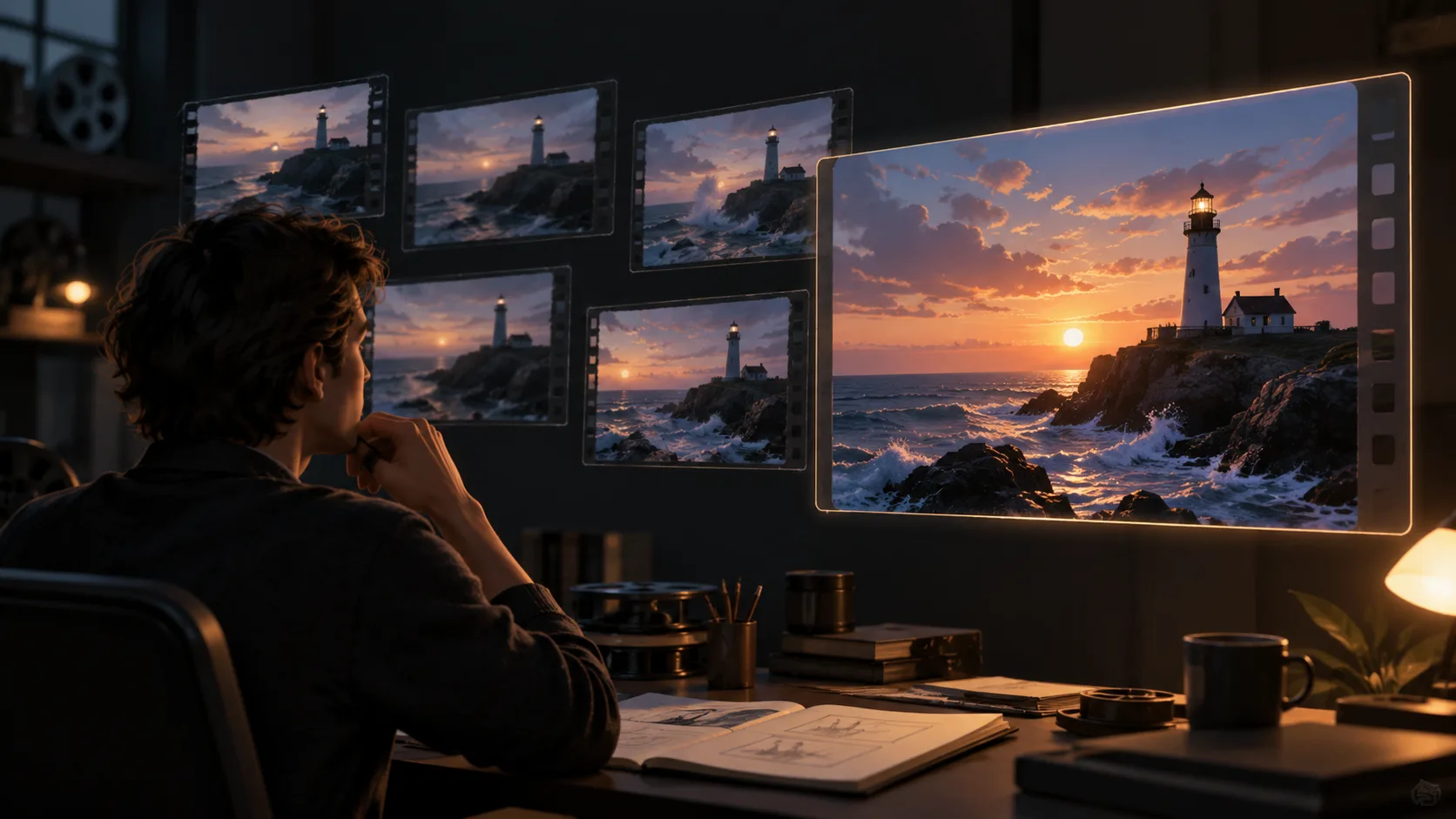
AI-generated concept illustration made with Codex imagegen. This is not a Seedance output or a screenshot of Dreamina, BytePlus, or Seeora.
What has been announced?
In its September 22, 2026 announcement, BytePlus describes a lower-cost 480p exploration stage followed by native 1080p generation, with a high degree of consistency in composition, motion, and creative direction. Its September 23 announcement confirms Draft Mode availability through the Seedance 2.5 API on BytePlus.
Those are provider statements. This article explains a planning method based on that announcement; it is not a tested API tutorial, a speed benchmark, or a measured cost comparison. The posts do not provide the API fields, current price table, or a guarantee of frame-identical conversion. Check those details in your provider's current documentation before building an integration.
What should you evaluate at 480p?
Use the draft to answer questions that survive a change in output resolution: does the camera reveal the subject at the right moment, does the action read clearly, and does the clip have the intended beginning and ending? These are expensive questions to answer repeatedly at final quality.
A simple review sheet keeps the process focused:
| Check | What to look for | What to do next |
|---|---|---|
| Composition | Subject placement and readable framing | Keep the layout or simplify it |
| Motion | Clear action and a coherent camera move | Change one movement instruction |
| Timing | Important beats happen in the intended order | Reduce competing actions |
| Continuity | Character, prop, and location remain recognizable | Clarify reference roles |
| Detail | Faces, product markings, and small elements | Recheck in the final output |
Do not approve a product shot solely because its silhouette works at preview size. Fine lettering, hands, and background faces may need closer inspection at delivery resolution. A draft can reject a weak concept quickly without proving that the selected concept is ready to publish.
A practical planning sequence
This sequence is editorial advice, rather than a claim about specific buttons or API parameters.
- Define the shot. Write the subject, action, camera direction, and finishing frame before generating. Choose a short scene with one important visual decision.
- Keep the brief stable. Record the prompt, reference assets, duration, aspect ratio, and audio choice. This gives you a useful record when comparing attempts or preparing a final.
- Explore alternatives at preview quality. Change one creative variable at a time, such as the camera direction or the subject's entrance. Avoid changing lighting, wardrobe, motion, and framing together if you want to know what improved.
- Select against the brief. Judge the draft against your review sheet, rather than choosing only the most attractive still frame. Watch the whole clip, including its transition and ending.
- Use the supported final workflow. If your provider exposes Draft Mode with native 1080p final generation, follow its documented process. Do not assume that simply resubmitting a 480p prompt at another resolution preserves the same take.
- Review the final independently. Check motion, subject identity, detail, sound, and the export dimensions. Keep the approved draft and final together so you can explain any differences.
For an original example, imagine a lighthouse reveal: the camera moves past foreground rocks, reveals the tower, and stops as the beacon turns toward the sea. Preview alternatives can explore a slower reveal or a lower camera angle. Once the geography and timing work, inspect waves, tower edges, and beacon detail in the final. The scene is a proposed brief, not a generated test result.
Native 1080p generation and upscaling are different
Native final generation asks the generation workflow to produce the higher-resolution result. An upscaler processes an existing lower-resolution clip. Both can fit a production pipeline, but they answer different questions and can introduce different changes.
If you upscale a 480p preview using a separate application, describe that result as upscaled. Do not call it a native 1080p Seedance generation. Check whether an enlarged face or small product detail still looks believable; a larger export does not establish that the original source contained those details.
How to think about cost
Budget for the entire decision process: discarded previews, selected finals, any retries, and optional postprocessing. A lower preview price helps only when the previews replace attempts you would otherwise make at final quality. It may be less useful for a simple shot that you already know how to direct.
Use your provider's actual prices and your own attempt counts. There is no verified universal savings percentage in the official announcements cited here. Treat social posts claiming a fixed multiplier as a claim to check, not a budget guarantee.
Can you use the same workflow on Seeora?
The Seedance 2.5 generator on Seeora currently offers 480p and 720p output. This article does not announce a native 1080p Draft Mode finishing integration on Seeora. You can use lower-resolution generations to assess ideas, but that is not a promise of the provider's draft-to-final conversion.
For your next shot, write a clear brief, decide which creative question the preview must answer, and check the capabilities of the provider you plan to use for delivery. If you need prompt examples, start with the Seedance prompt library, then adapt the direction to your own scene and references.